A tiling web dashboard for macOS
One screen. Many sites.
Cropped to what matters.
SplitWeb tiles live web pages into a single board, then crops each pane down to just the part you care about — a chart, a ticker, one panel. Still a real page, still updating. Not a screenshot.
Try it
The board behaves like this.
Crop
Keep the two hundred pixels that matter.
Most pages are nav bars, sidebars and cookie banners wrapped around one number. Draw a box once and the pane keeps only that region, scaled to fill. It is still the real page rendering live, still signed in — and when you resize the pane, the same region rescales instead of drifting somewhere else.
A cropped pane is read-only: clicks pass through it. Turn the crop off when you need to interact.
How cropping works, and why screenshots and user scripts don't
1,284
▴ 2.41%
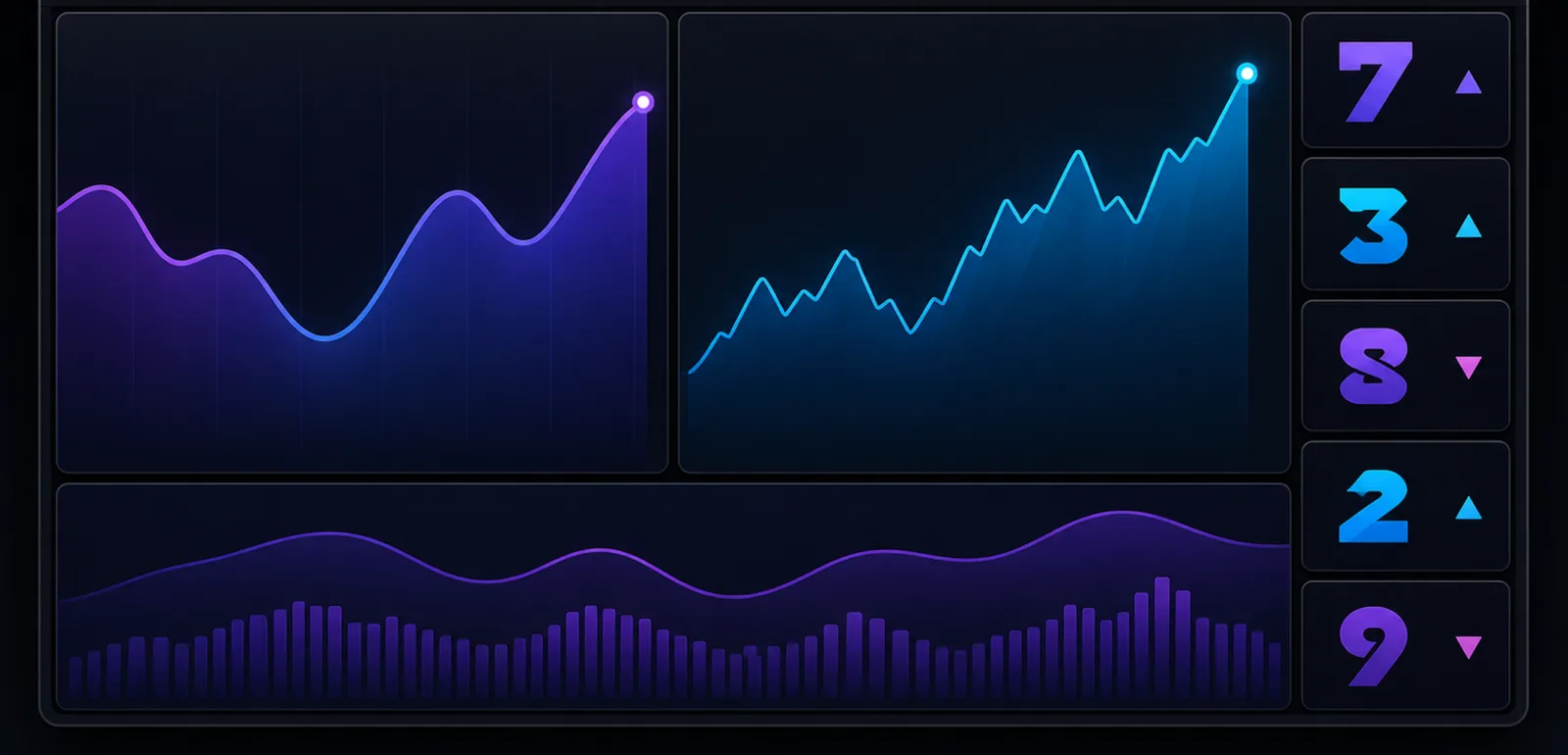
The board
Panes of any size, in any arrangement.


Also true
- Per-pane proxy
- Route one pane through a proxy and leave every other pane direct.
- Real WebKit
- The same engine as Safari. Sign in, stay signed in, run full web apps.
- Layout autosave
- URLs, splits and crops come back exactly as you left them.
- Quiet chrome
- Hide the address bars when you want the board and nothing else.
Pricing
Free for two weeks. Then pick one.
Every plan unlocks the same app — there is no reduced tier and no feature held back. Download is free and the first 14 days are fully unlocked, with no payment details asked for.
- Monthly $4.99/month Renews automatically. Cancel any time in App Store settings.
- Yearly $39.99/year Renews automatically. Works out at $3.33 a month.
- Lifetime $79.99 once One payment, no renewal. Restores on your other Macs.
Already bought SplitWeb when it was a paid app? You keep full access at no further cost — the app recognises your original purchase on its own.
Worth knowing
What SplitWeb doesn't do.
- A cropped pane is read-only. Clicks pass through it. If you need to interact with the page, turn the crop off first.
- Every pane holds its own live web view. That's why rearranging the board never reloads a page — and it's why memory use climbs as you add panes.
- It is not a replacement for your browser. No extensions, no bookmark sync, no tab management. It's a board you leave running.
Comparison
How it compares to the free tools.
Three free tools overlap with this one. Here is exactly where each stops.
- Vivaldi A full free browser with built-in tab tiling — vertical, horizontal or a grid — plus extensions, bookmarks and tab management. If you want several whole pages on screen and don't need to crop them, this is the better tool.
- macOS window tiling Free and built in. It tiles windows, not pages: each one is still the entire site, navigation and ads included, and the arrangement is gone once you restart.
- Plash Free and open source. It puts a web page on your desktop wallpaper with an auto-reload interval — behind your windows, and showing one site at a time rather than several side by side.
None of them can crop a page down to one region and keep it live. That is the one thing here without a free equivalent — and the download is free, so you can find out in an afternoon whether it changes how you work.
Read on
- Crop a web page down to one region, and keep it running Why screenshots, zoom and user scripts all fall short — and what the pane does instead.
- Why you can't build this with iframes X-Frame-Options, CSP frame-ancestors and third-party cookies, and how a native web view sidesteps all three.
- Vivaldi tiling, macOS window tiling, Plash — and where each stops The free tools that overlap with this one, what each is good at, and the one job none of them do.
- Questions and answers Cropping, live pages, logins, proxies, pricing and refunds.

Put the whole watchlist on one screen.
Built for people who keep an eye on many sources at once — traders, analysts, researchers, and anyone tired of nine tabs.
Download on the Mac App Store